

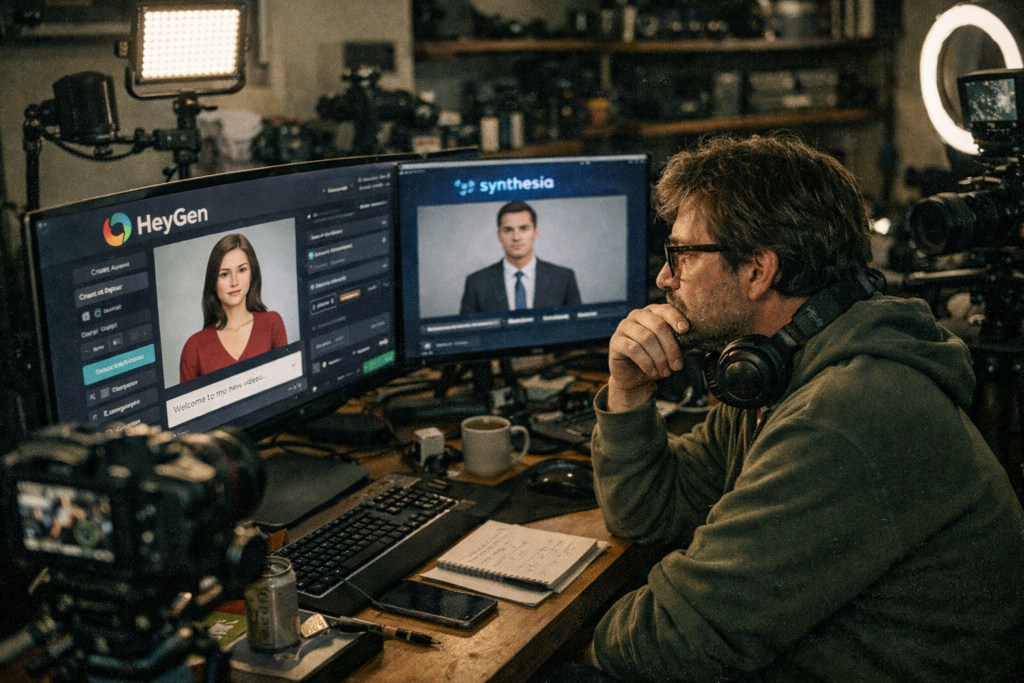
You’re staring at two AI avatar platforms, both promising “lifelike” video presenters. But here’s the truth: even in 2026, no AI avatar looks perfectly human—and choosing the wrong one means your audience will notice the stiffness before they hear your message. As a one-person content creator managing everything alone, you don’t have time to rebuild your entire video library when one platform’s avatars age poorly or fail to keep pace with audience expectations. This article helps you decide whether HeyGen or Synthesia will give you the least robotic-looking avatars for the next 12–24 months.
Why this decision is harder than it looks: You’re trading off ease of use against long-term realism, and neither platform has solved the “uncanny valley” problem completely.
⚡ Quick Verdict
HeyGen if you need custom avatars from your own footage and prioritize speed for social media content.
Synthesia if you’re creating corporate training or e-learning modules where polish and professional stock avatars matter more than personalization.
Reality check: Both will look slightly robotic in certain lighting or with complex emotional scripts. Budget for B-roll overlays to hide avatar stiffness during critical moments.
If I had to decide under time pressure, I would choose HeyGen for the first 90 days to test custom avatar workflows, then evaluate Synthesia if my content shifts toward formal training modules.
Why AI Avatar Realism Matters More Than Ever in 2026

Audiences now expect digital presenters to move naturally, blink at appropriate intervals, and sync lip movements without visible lag. When an avatar looks stiff or robotic, viewers disengage within the first 8–10 seconds—long before your core message lands. This isn’t about vanity; it’s about retention and trust. If your avatar’s mouth movements don’t match the audio cadence, or if facial expressions freeze mid-sentence, your content reads as low-effort or outdated.
The challenge: achieving truly indistinguishable human-like realism remains an ongoing challenge for all AI avatar technologies. Even the best platforms in 2026 will occasionally produce avatars that feel “off” during rapid speech or emotional emphasis. Your job is to pick the platform that minimizes these moments and gives you the most control over when and how the avatar appears on screen.
What AI Avatar Generators Actually Solve for Businesses
Both HeyGen and Synthesia are designed to generate video content using AI-driven avatars and text-to-speech technology. The core value: you type a script, select an avatar, and export a video in minutes—no camera crew, no studio rental, no retakes for minor script edits. For a one-person operation, this collapses a multi-day production cycle into a single afternoon.
- Cost reduction: Eliminate recurring expenses for freelance videographers, voice actors, and post-production editors.
- Scalability: Produce 10 localized versions of the same video (different languages, different avatars) without reshooting.
- Consistency: Your brand’s “face” never has a bad hair day, never misreads a line, and never requires scheduling coordination.
Trade-off you must accept: You lose the spontaneity and emotional nuance of a live human presenter. If your content relies on improvisation or real-time audience interaction, AI avatars will feel flat.
Who Should Seriously Consider HeyGen or Synthesia
HeyGen is often favored by content creators and marketers for social media and explanatory videos, while Synthesia typically targets larger enterprises and organizations for corporate training, e-learning, and internal communications. If you’re producing weekly explainer videos, product demos, or onboarding tutorials, either platform will save you 60–80% of your current production time.
Ideal candidates:
- Solo creators or small teams publishing 4+ videos per month
- Educators building asynchronous course libraries where the same core content needs minor updates each semester
- Marketers running A/B tests on video messaging (swap avatars or scripts without reshooting)
- Companies needing multilingual content for global audiences without hiring native-speaking presenters
⛔ Dealbreaker for HeyGen: Skip this if you need avatars to convey subtle emotional shifts (empathy, sarcasm, urgency) that require micro-expressions beyond basic happy/neutral/serious presets.
⛔ Dealbreaker for Synthesia: Skip this if your budget can’t support the higher per-seat cost for teams, or if you require deep customization of avatar appearance beyond their stock library.
Who Should NOT Use AI Avatar Generators (Yet)
If your content depends on authentic human connection—think testimonials, sensitive HR announcements, or crisis communications—AI avatars will undermine your credibility. Audiences forgive minor production flaws in genuine human video, but they’re unforgiving when a synthetic presenter handles emotionally charged topics. Projects requiring highly nuanced emotional expression are still better served by real people on camera.
Also skip these tools if you’re working with extremely tight budgets for premium features. While both platforms offer free plans, the avatars and voice quality on free tiers often look noticeably lower-fidelity than paid options. If you can’t afford at least the entry-level paid plan, your final output may reinforce the “cheap AI video” stereotype rather than elevate your brand.
HeyGen vs. Synthesia: When Each Option Makes Sense
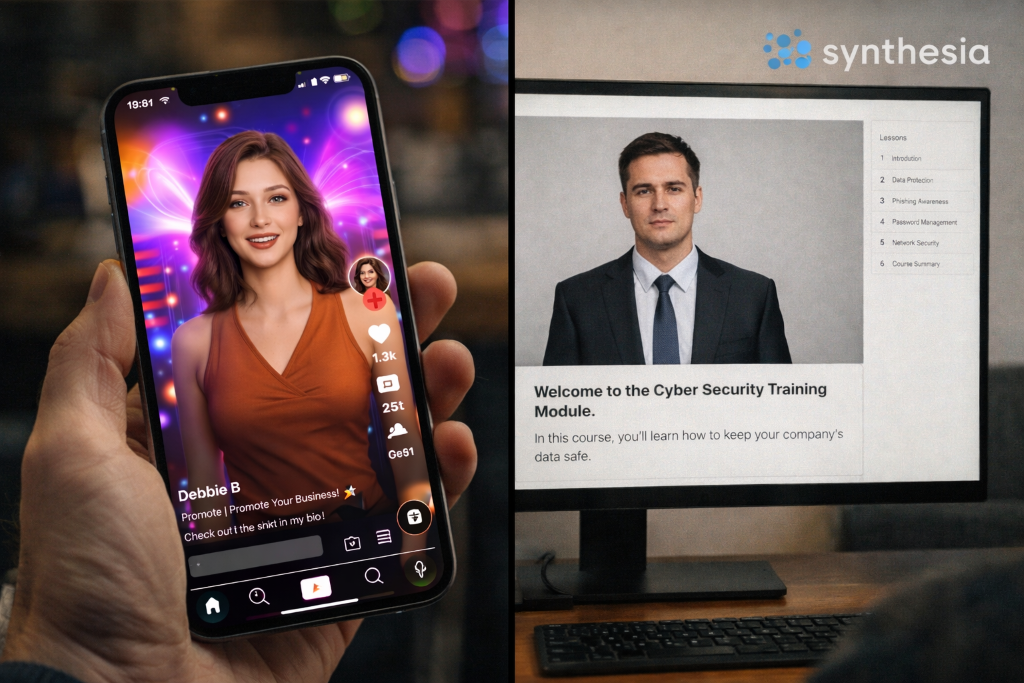
HeyGen allows users to create custom avatars from a single photo or video input, which matters if you want your own face (or a brand spokesperson’s face) as the presenter. Synthesia is widely recognized for its high-quality, professional-looking AI avatars and advanced lip-syncing capabilities, plus an extensive library of customizable stock avatars and templates. Synthesia is noted for being user-friendly, allowing for easier creation of professional-looking videos compared to some alternatives.
Feature Showdown
HeyGen
- Strength 1: Create custom avatars from own footage
- Strength 2: Prioritizes speed for social media content
- Limitation: Lacks enterprise compliance, team collaboration
Synthesia
- Strength 1: High-quality, professional-looking AI avatars
- Strength 2: Extensive library of customizable stock avatars
- Limitation: Steeper learning curve for advanced customization
This grid compares HeyGen and Synthesia features for AI avatar generation.
💡 Rapid Verdict:
Best for solo creators who need fast, customizable avatars for social content, but SKIP THIS if you need enterprise-grade compliance features or advanced team collaboration workflows.
Bottom line: Use HeyGen if you’re prioritizing speed and custom avatar creation for audience-facing content; default to Synthesia if you’re building a formal training library where polish and template consistency matter more than personalization.
Many AI avatar platforms, including HeyGen and Synthesia, offer API access for custom integrations into existing workflows—useful if you’re automating video generation at scale. Custom avatar creation processes can vary in complexity and required source material between platforms, so test both free tiers before committing to annual contracts.
Key Risks and Limitations of AI Avatar Technology
The “uncanny valley” effect remains the biggest reputational risk. Even well-executed avatars can trigger viewer discomfort when facial movements don’t quite match human expectations—especially during pauses, laughter, or emphasis. Your audience may not consciously identify what feels “off,” but engagement metrics will reflect their unease. Plan to use avatars for straightforward informational content, not for storytelling that requires emotional range.
- Ethical concerns: Deepfake-adjacent technology raises questions about consent (if using custom avatars of real people) and potential misuse for impersonation.
- Future-proofing risk: AI video tech evolves rapidly. A platform that looks cutting-edge today may feel dated in 18 months if competitors release significantly better models.
- Dependency: You’re locked into the platform’s avatar library and voice engine. Migrating your content to a new tool later means re-recording everything.
Trade-off you must accept: Investing in AI avatars now means committing to iterative quality improvements—you’ll likely need to refresh older videos as avatar realism improves, or risk your back catalog looking outdated.
How I’d Use It
Scenario: a one-person content creator managing everything alone
This is how I’d tackle this workflow.
- Start with HeyGen’s free tier to create a custom avatar from a 2-minute selfie video. Test it on 3–5 short scripts (under 90 seconds each) to see how the lip-sync holds up with my natural speaking pace.
- Export videos and watch them on mute first—if the avatar’s mouth movements look plausible without audio, the sync is good enough. If not, I’d try Synthesia’s stock avatars for comparison.
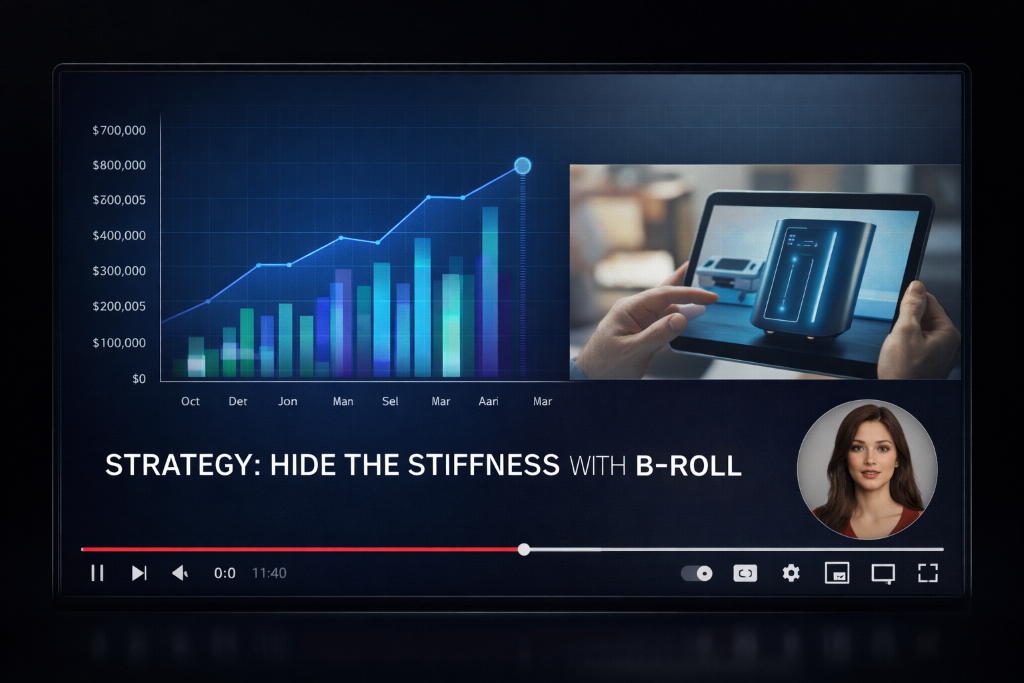
- Overlay B-roll for 40–50% of the video runtime (screen recordings, product shots, text slides) to minimize how long viewers stare directly at the avatar. This hides minor stiffness and keeps pacing dynamic.
- Use SSML tags (if the platform supports them) to insert 0.3–0.5 second pauses between sentences, mimicking natural speech rhythm and reducing the “rushed robot” effect.
- Friction point: If I need to update a script after rendering, I’d have to re-export the entire video—no in-platform editing of specific sentences. Budget 10–15 extra minutes per revision cycle.
- After 30 days, audit viewer retention at the 10-second mark across 10 videos. If retention drops below 70%, the avatar isn’t working—switch platforms or revert to human-hosted video.
My Takeaway: I’d treat AI avatars as a “talking head” layer, not the entire video—lean on visual variety to compensate for avatar limitations, and always have a backup plan if audience feedback turns negative.
Pricing Plans
Below is the current pricing overview for the main contenders. Pricing information is accurate as of April 2025 and subject to change.
| Platform | Starting Price (Monthly) | Free Plan Available |
|---|---|---|
| HeyGen | $29/mo | Yes |
| Synthesia | from $18/mo | Yes |
Both platforms gate their best avatars and voice options behind paid tiers. Free plans typically limit video length (often 1–3 minutes), add watermarks, or restrict avatar selection to a handful of generic options. If you’re producing client-facing content, budget for at least the entry-level paid plan to avoid branding conflicts.
🚨 The Panic Test
You have 24 hours to pick a platform and publish your first video. Here’s what to do:
Forget feature comparisons. Just use HeyGen if you already have a short video of yourself talking to camera (even a phone selfie works). Upload it, generate a custom avatar, and render a 60-second test video with a simple script.
Don’t have source footage? Use Synthesia. Pick any stock avatar, paste your script, and export. You’ll have a video in 15 minutes.
Don’t overthink voice selection—stick with the default recommended voice for your avatar. Adjusting voice settings eats time you don’t have.
Render at 1080p minimum. Export. Post it. You can refine your process after you’ve shipped something.
If the avatar looks too stiff: Re-edit the video and overlay slides or screen recordings for the first 20 seconds. Viewers are most critical in the opening—hide the avatar until they’re already engaged with your content.
Public Feedback Snapshot
HeyGen users frequently praise the platform’s speed and ease of custom avatar creation, particularly for social media and marketing use cases where rapid iteration matters more than perfect polish. Common complaints center on occasional lip-sync drift during fast-paced scripts or complex sentence structures. Synthesia receives consistent positive feedback for avatar quality and professional templates, especially from corporate training teams, but some users note the higher cost and steeper learning curve for advanced customization. Both platforms face recurring criticism around the “uncanny valley” effect—avatars that look impressive in still frames but feel slightly off during sustained viewing. These insights are based on publicly available documentation and reported user feedback across forums and review platforms.
Frequently Asked Questions
How do I avoid the “uncanny valley” effect?
Use SSML tags (if supported) to insert 0.5-second pauses between sentences—this breaks up the robotic pacing that makes avatars feel unnatural. Adjust sentence rhythm so the avatar isn’t speaking at a constant, metronomic speed. On the visual side, hide the avatar for roughly 60% of your video runtime by cutting to B-roll, slides, or screen recordings. This reduces how long viewers scrutinize the avatar’s face. Be honest with yourself: AI avatars can still look stiff during emotional emphasis or rapid speech, so script your content to avoid those moments or plan to use a real human presenter for high-stakes sections.
Can I use these avatars for client work or commercial projects?
Yes, both HeyGen and Synthesia allow commercial use on paid plans, but read the licensing terms carefully. Some platforms restrict usage in certain industries (political campaigns, financial advice) or require additional permissions for custom avatars based on real people’s likenesses. If you’re creating content on behalf of a client, confirm that your plan tier includes commercial rights and that your client understands the content is AI-generated.
What if my script changes after I’ve rendered the video?
You’ll need to re-render the entire video. Neither platform currently supports in-timeline editing of specific sentences post-export. Minor script tweaks mean regenerating the avatar performance from scratch, which can take 5–15 minutes depending on video length and platform load. Budget extra time for revisions, and finalize your script before rendering to avoid repeated exports.
Do these platforms work for languages other than English?
Yes. HeyGen offers diverse voice styles and supports multiple languages for global content creation, and Synthesia similarly provides multilingual voice options across its avatar library. Quality varies by language—test your target language on the free tier before committing, as some accents or regional dialects may sound less natural than others.
How long does it take to create a custom avatar?
HeyGen typically processes custom avatar creation within 24–48 hours after you upload source footage (a 2–5 minute video of you speaking to camera). Synthesia’s custom avatar service is generally reserved for enterprise plans and may require longer lead times. If you need a custom avatar immediately, you’re better off starting with stock avatars and upgrading later.